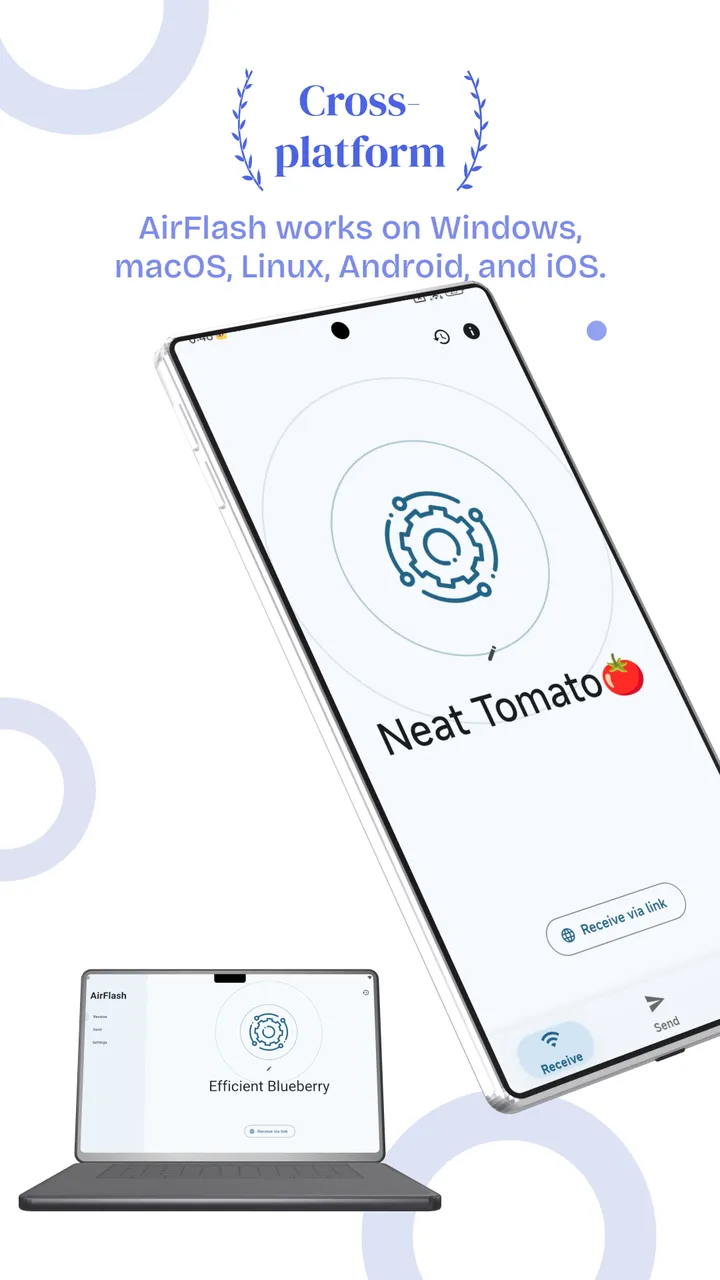
Cross-platform
AirFlash works on Windows, macOS, Linux, Android, and iOS.
Transfer files wirelessly between phones and computers — no USB cable. Windows, macOS, Linux, Android, and iOS share the same experience.


AirFlash is a free, fast, and secure file sharing app. Instantly send photos, videos, apps, and documents between Android phones, iPhones, and PCs — without using any mobile data or the internet, using REST API and HTTPS encryption for secure communication between devices.
Everything you need to transfer files quickly and securely on your local network.
AirFlash works on Windows, macOS, Linux, Android, and iOS.
Transfer files wirelessly between phones and computers — no USB cable. Windows, macOS, Linux, Android, and iOS share the same experience.
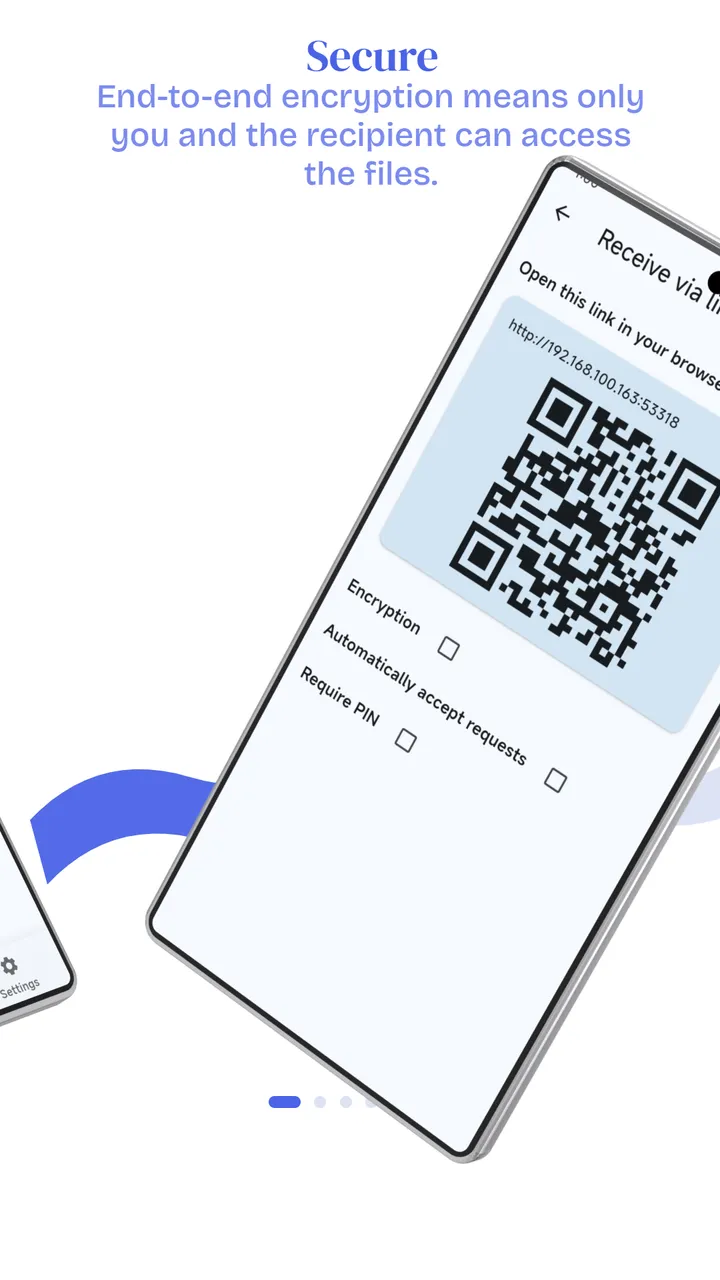
End-to-end encryption means only you and the recipient can access the files.
Transfers use end-to-end encryption and HTTPS. Files stay between your devices, are not stored in the cloud, and only the sender and recipient can access them.
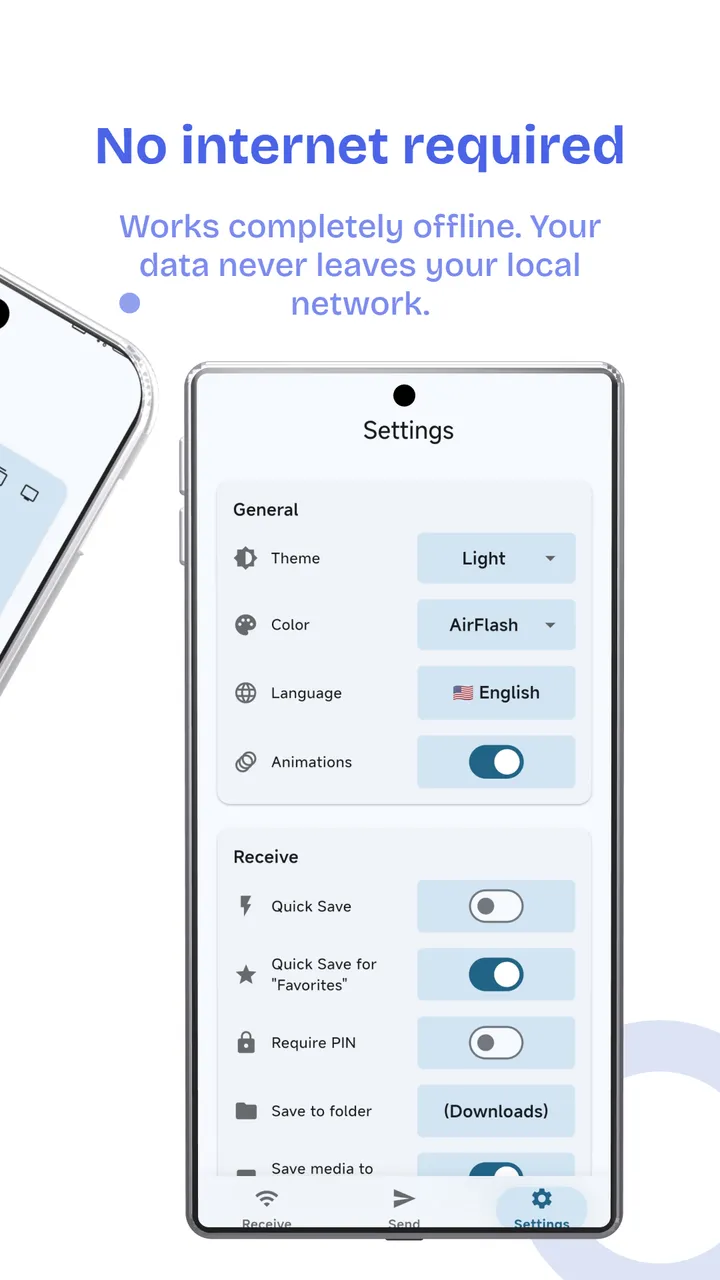
Works completely offline. Your data never leaves your local network.
No internet or mobile data needed. Devices connect on your LAN, so files are not uploaded to the cloud and never leave your network.
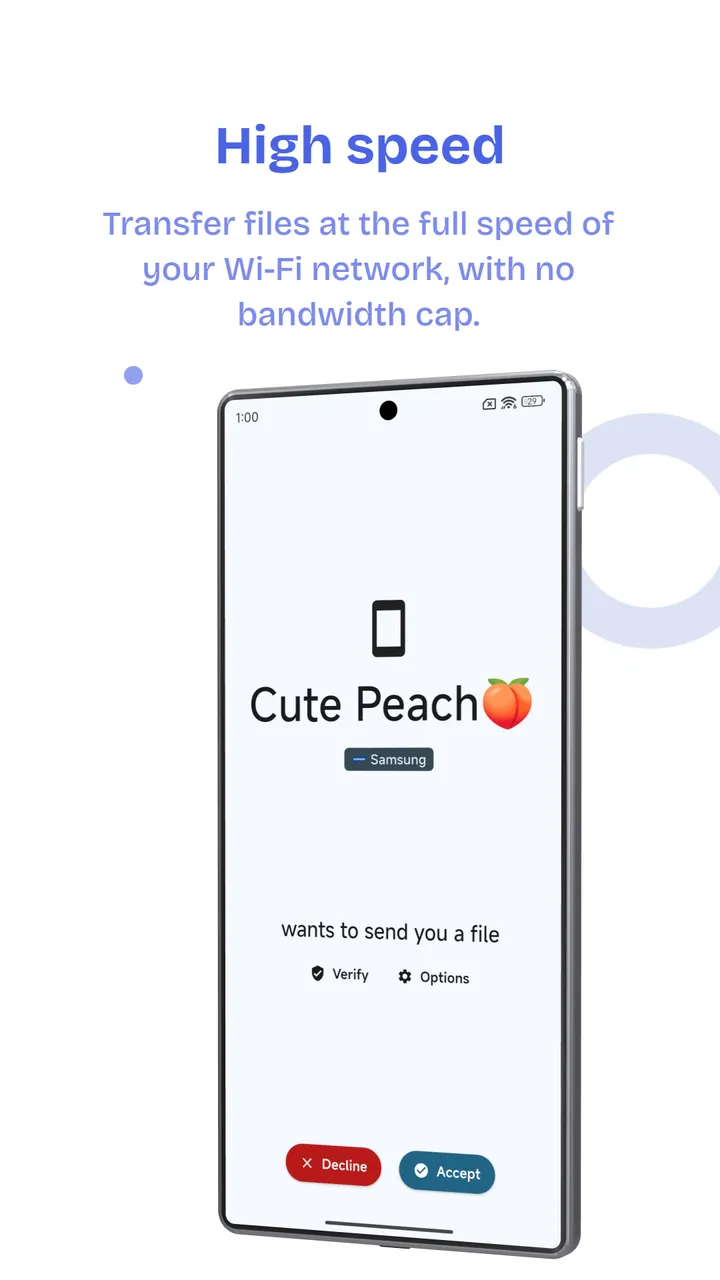
Transfer files at the full speed of your Wi-Fi network, with no bandwidth cap.
Speed follows your local Wi-Fi — including Wi-Fi 7 — and is not limited by cloud-drive bandwidth. As fast as your network, that's how fast files move.
AirFlash is available for Android, iOS, Windows PC, Mac, and Linux (x86 / ARM). Download the latest version for free.
 Download AirFlash APK for Android
Get the latest AirFlash APK for Android – compatible with all phones running Android 6.0 and above. Works on Redmi, Samsung, Realme, OPPO, Vivo, OnePlus, and all other Android brands. No root required.
 Download AirFlash for PC – Windows 10 & 11
Use AirFlash on your Windows PC or laptop to transfer files from your Android phone wirelessly. No USB cable needed. AirFlash for PC works with Windows 7, 8, 10, and 11.
 Download AirFlash for Mac
AirFlash for Mac is on the way. You will soon transfer files wirelessly between your Mac and phones — no USB cable, no internet required.
 Download AirFlash for iPhone & iPad
AirFlash is also available for iPhone and iPad users. Download it from the App Store and enjoy fast, wireless file transfers between your iOS and Android devices.
 Download AirFlash for Linux (x86 / ARM)
AirFlash provides Linux x86 and ARM packages, each with AppImage, deb, rpm, and tar. Transfer files wirelessly between your Linux computer and phones — no internet required.
| Feature | AirFlash | SHAREit | Xender | Bluetooth |
|---|---|---|---|---|
| Transfer Speed | Full Wi-Fi speed | 10 MB/s | 10 MB/s | 0.1 MB/s |
| Works Offline |  | | | |
| Ads | None | Heavy Ads | Heavy Ads | N/A |
| File Size Limit | None | None | None | Limited |
| PC Support | | | |  |
| iOS Support | | | | Limited |
| Linux (x86 / ARM) | | | | |
| Price | Free | Free | Free | Free |
| Privacy | High | Low | Medium | High |